
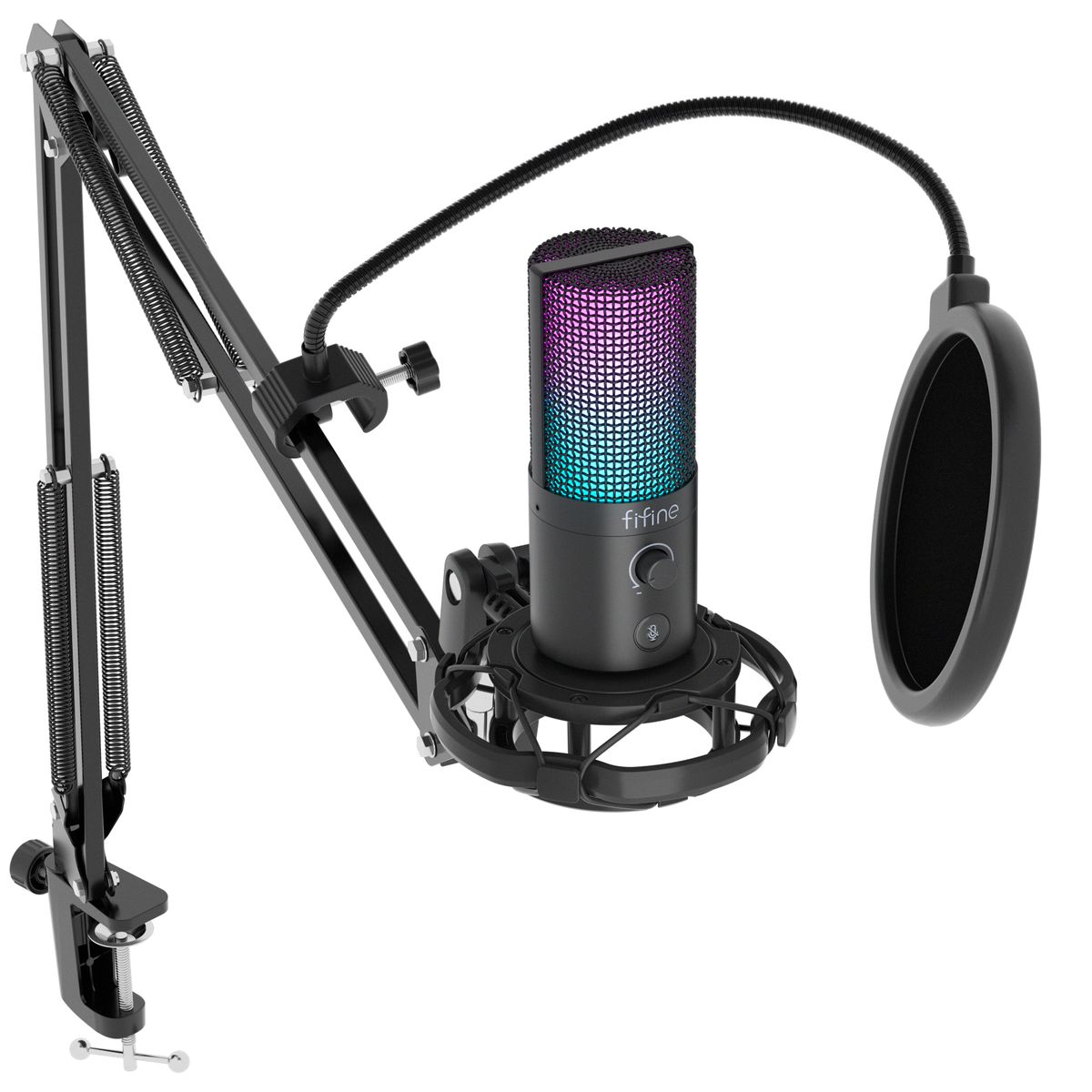
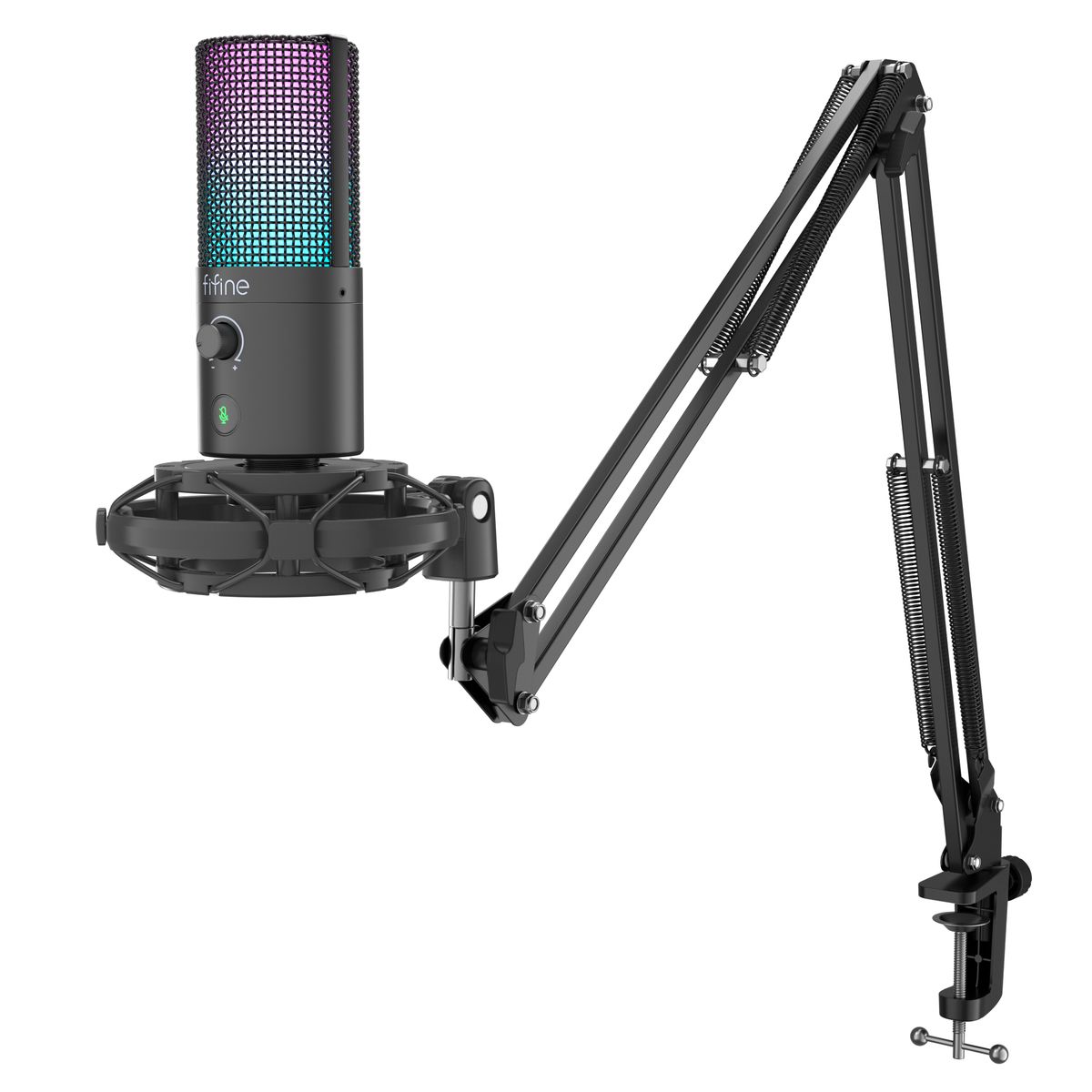
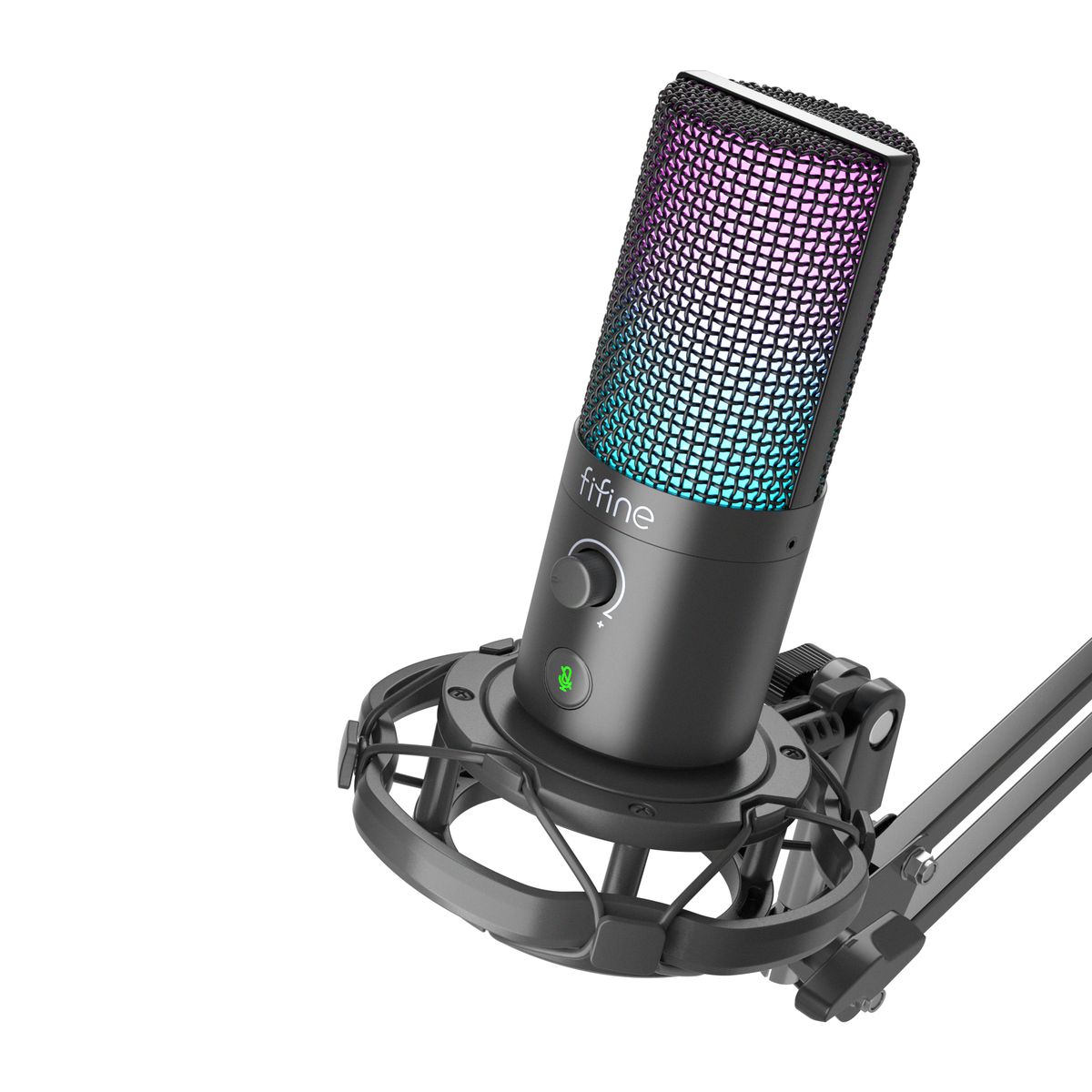
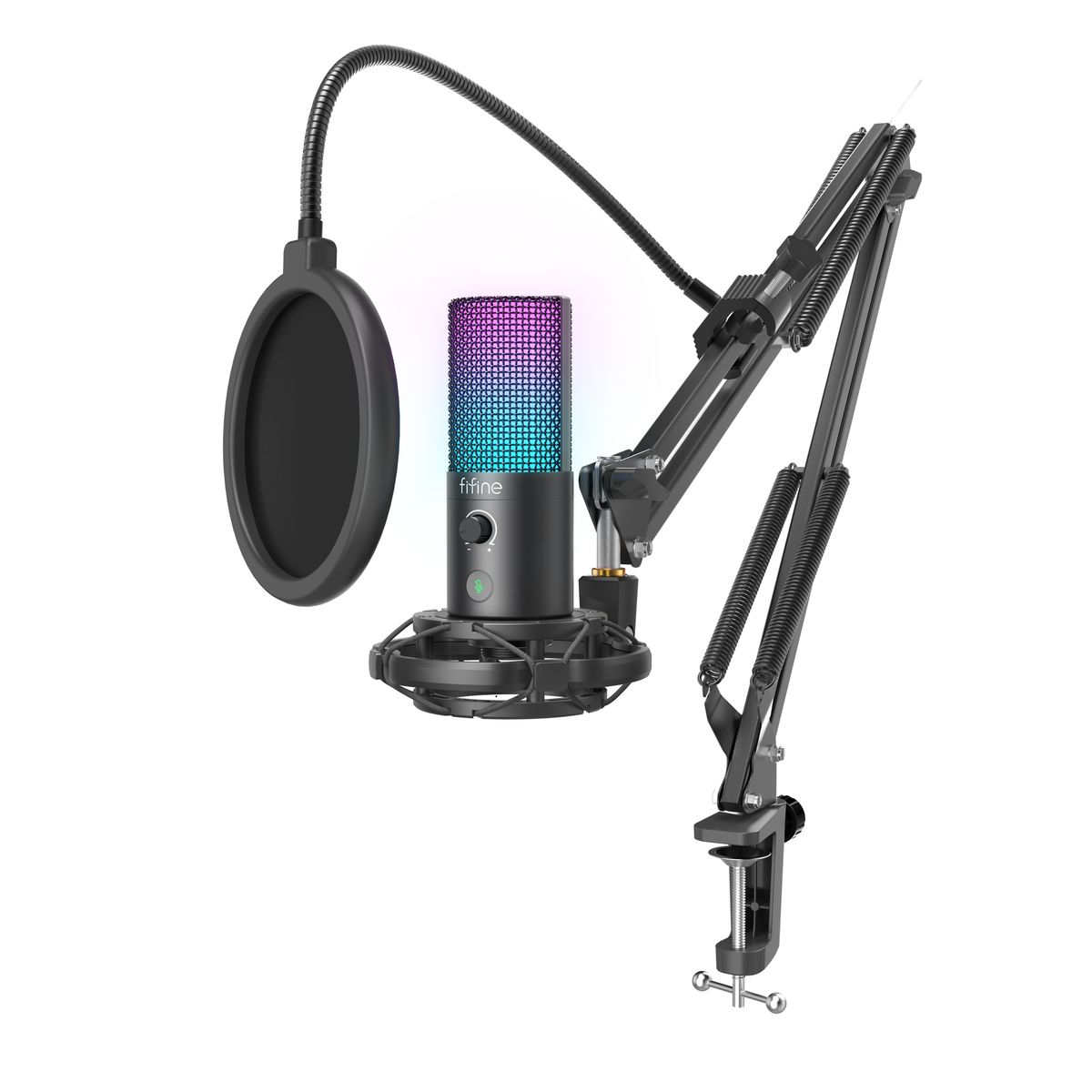
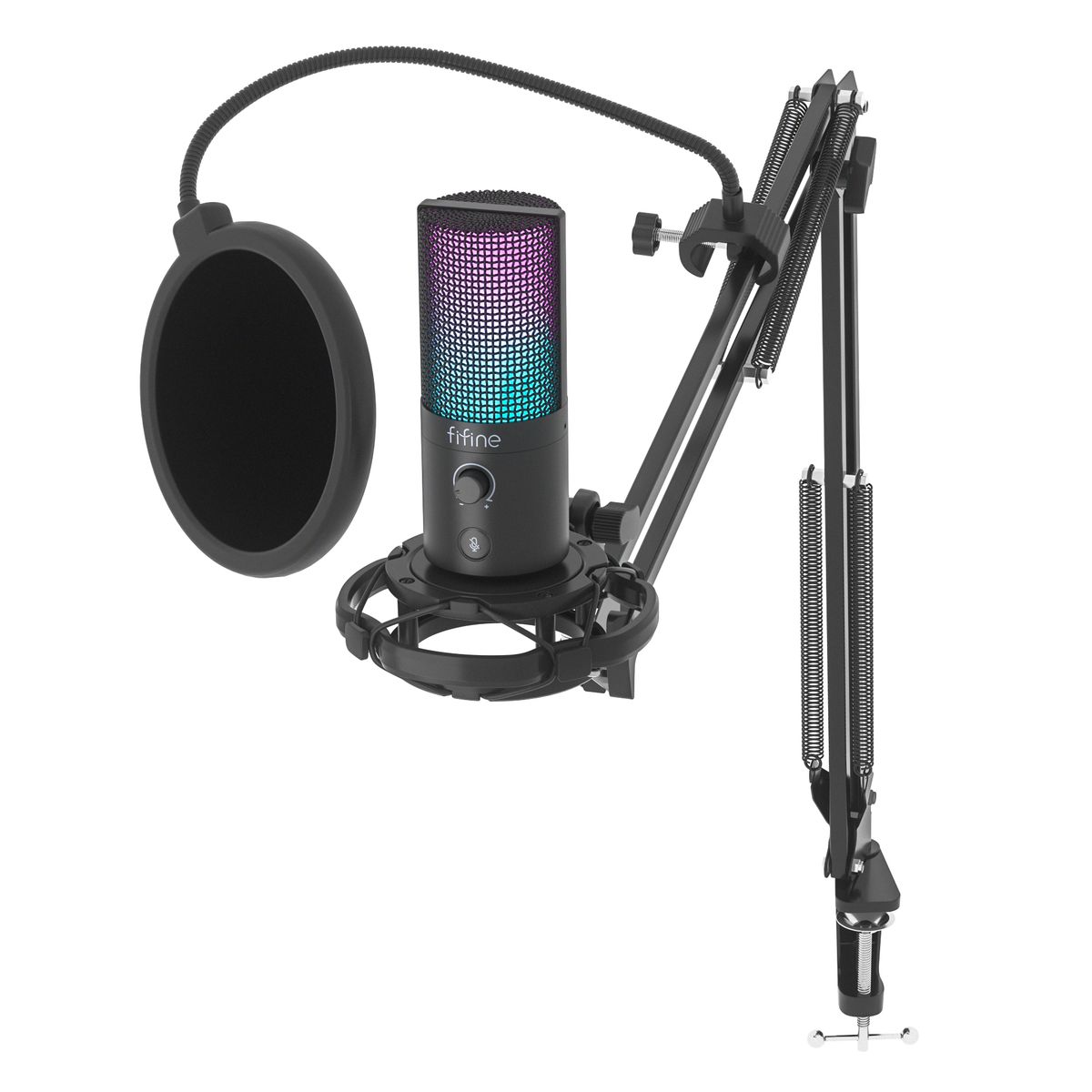
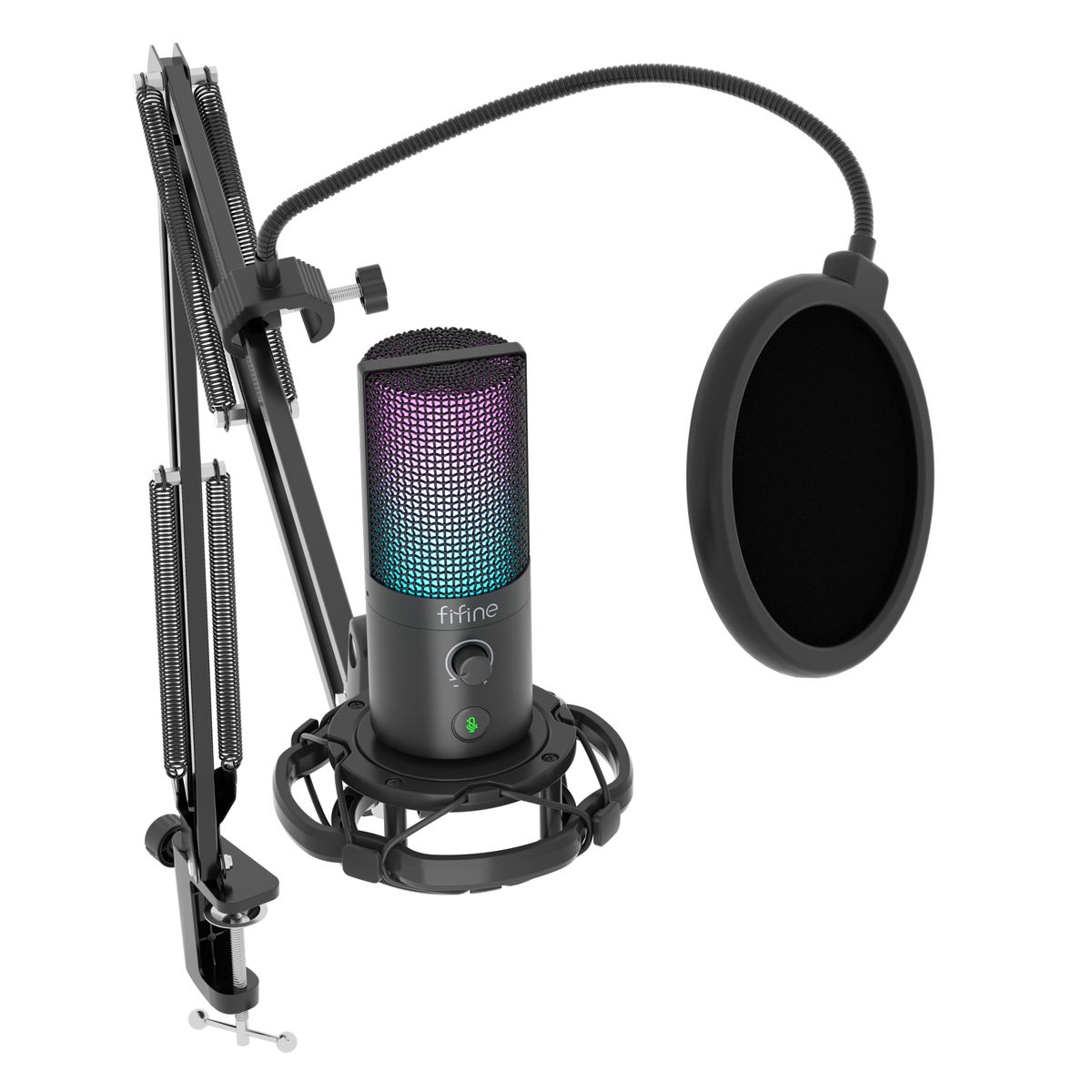
Step up your sound game with the Fifine T669 Pro3, a high-performance USB microphone designed for creators who demand quality, control, and a touch of personality. Whether you’re streaming, podcasting, recording vocals, or in a virtual meeting, this microphone delivers detailed, crisp sound with studio flair.
Key Features:
- USB Plug-and-Play: Easy to set up with most PCs and laptops-no drivers needed. (Note: Not all phones or gaming consoles may be supported.)
- Professional Audio Quality: Features a 16mm diaphragm with a 16-bit/48kHz sample rate for clean and accurate voice capture.
- Cardioid Polar Pattern: Focuses on your voice while minimizing background noise-perfect for solo recording setups.
- Live Monitoring: Includes a 3.5mm headphone jack and controller so you can monitor your voice in real-time with zero latency.
- RGB Lighting + Controller: Customizable lighting for a modern, visually striking setup.
- Volume & Mute Control: Quick-access controls directly on the mic for on-the-fly adjustments.
- Durable All-Metal Body: Sturdy, professional feel that lasts.
- Complete Kit: Includes pop filter, boom arm, USB-C cable, and table clamp.
Important Notes Before Purchase:
- Check USB-C Port Connection: Please inspect the USB-C port carefully when unboxing. The mic should connect securely without wiggle-contact support immediately if it appears worn or loose.
- Audio Output Issues: In rare cases, users reported static or loss of output. This may be due to USB port compatibility or interference. Try multiple ports and ensure no software conflict.
- Plug-and-Play Limitations: While it’s designed to be easy to use, some systems may require audio input/output settings to be changed manually.
Troubleshooting Tips
To ensure the best experience, here are a few key things to know before and after setup:
1. Microphone Not Detected / No Sound
- Ensure the mic is firmly connected via the included USB-C cable (avoid USB hubs or extensions).
- Try another USB port or a different computer to confirm it’s not a port issue.
- Go to Sound Settings Input Devices and manually select “Fifine T669 Pro3” as the default input.
- If still not recognized, uninstall and reinstall the device driver under Device Manager > Audio Inputs and Outputs.
2. Static, Crackling, or Intermittent Sound
- Reduce mic gain and ensure the gain knob isn’t maxed out.
- Avoid connecting the USB cable near high-power electronic devices or Wi-Fi routers that can cause interference.
- Use a shielded USB-C cable if static persists.
- Check recording software input levels – overamplified signals can cause distortion.
3. Mute or LED Light Confusion
- The green LED indicates the mic is active; red means muted.
- Tap the mute button once to toggle. If the LED doesn’t respond, unplug and reconnect the mic.
4. Monitoring / Output Issues
- Confirm the mic is not muted.
- If others can’t hear you in calls (Zoom, Discord, etc.), manually set the input source to “Fifine T669 Pro3.”
- Adjust mic levels in Sound Settings > Device Properties > Levels to ensure sufficient input volume.
5. Port or Connection Quality
- The USB-C port should fit snugly; minor movement is normal but should not affect power or sound.
- If the connection feels excessively loose, try a different USB-C cable to rule out cable fit variance.
6. Testing & Compatibility
- Test on at least two devices (Windows or macOS) to isolate whether the issue is hardware or system-based.
- Some consoles and mobile devices are not supported due to power and driver limitations.
Specifications:
- Microphone Type: Condenser
- Bit Rate: 16-bit
- Sampling Rate: 48kHz
- Diaphragm Size: 16mm
- Sensitivity: -40 3dB
- Power Supply: 5V 0.25V (USB-powered)
- Electrical Current: 80-140 5mA
- Monitoring Jack: 3.5mm
- Mute Button: Yes
- Lighting: RGB with control switch
- Construction: Full metal case
Perfect For:
- Streamers and gamers
- Podcasters
- Voiceover artists
- Online meetings or classes
- Beginners looking for pro-style equipment
What’s in the box
1x Microphone with pop filter
1x Tripod stand
1x Boom arm stand
1x Shock mount
1x Type A to USB C cable
1x User manual
1x Color Box



Reviews
There are no reviews yet.